
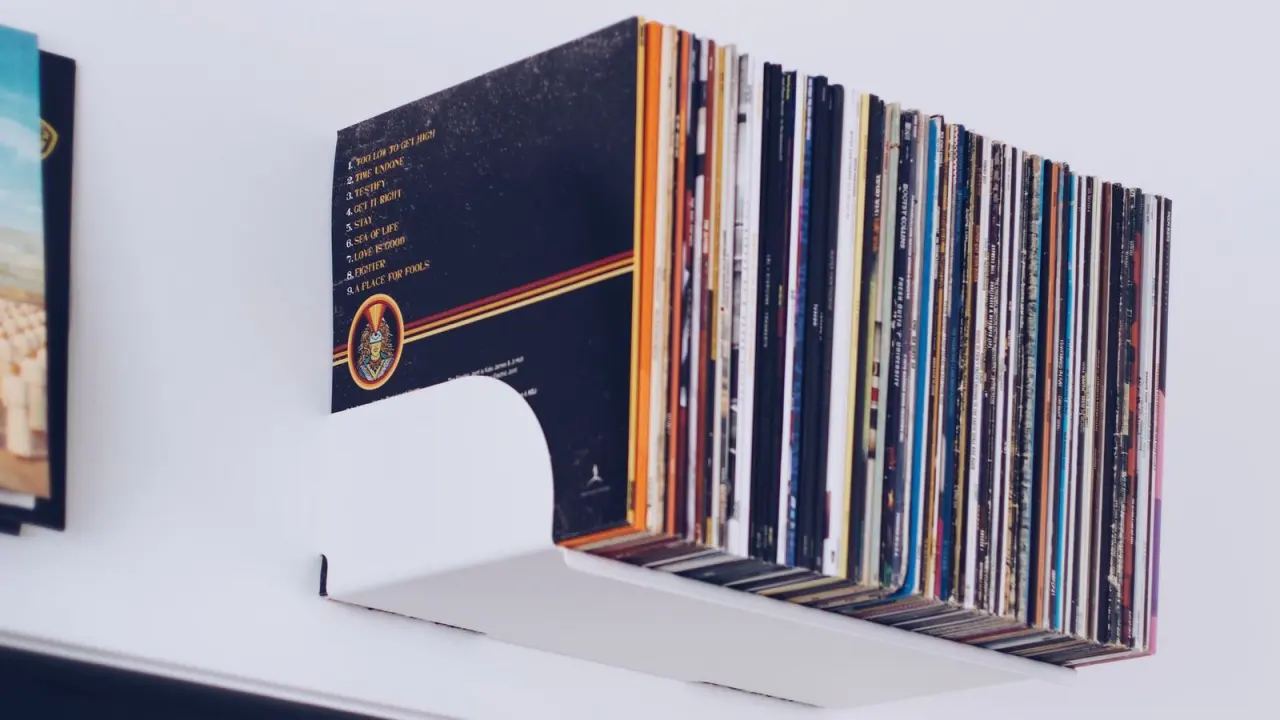
Unsure who actually did what on your favourite album? Here is how to read album credits: sort each name into performers, writers, or producers and engineers, then check each role’s job.
Credits are one small piece of the bigger picture of how music releases work, from announcement to streaming page.
| Item | Value |
|---|---|
| Credit groups on Apple Music | Three: Performers; Composition and Lyrics; Production and Engineering |
| Level where Apple Music shows credits | Track level |
| Role for someone who wrote both music and lyrics | Songwriter |
| Featured-artist title format | (feat. Artist), lowercase, in parentheses or brackets |
| Wait for updated credits to show on Apple Music | Up to five business days |
These figures come from Apple’s credits delivery page and Apple’s Music Style Guide. Platform rules can change, so check the source before you rely on them.
What album credits tell you
Credits are the list of everyone who helped make a record, or in short, the liner notes. Abbey Road Institute’s blog says the main place to find them used to be the booklet of a CD or the back of the vinyl sleeve, as described on its page on why credits matter.
The same page gives a few reasons credits matter:
- They acknowledge everyone involved in making the music.
- They help others identify talent, which the page calls “tagging talent”.
- They help artists, producers and performers get paid the royalties they deserve, though they do not guarantee payment.
The page also says that in the UK, missing credits can make it harder to claim royalties on PPL, the UK’s music licensing company. With digital distribution and more self-released artists, collecting credits and getting them to listeners has become more complicated, so a streaming page can show less than a booklet once did.
The three groups: performers, writers and producers
Apple Music shows credits at the track level, grouped as Performers, Composition and Lyrics, and Production and Engineering, according to Apple’s credits delivery page. That split is a handy way to read any credit list, even outside Apple Music.

Use the groups as a quick sorting method:
- Performers are the people who sang or played on the recording.
- Composition and Lyrics names the people who created the music and the words.
- Production and Engineering names the people behind the recording process itself.
Apple adds that it accepts any credits a release delivers, even roles not yet on its list, and tries to match them to the most similar existing credit.
Performer credits: who played and sang
A performer credit names someone who appeared on the recording as a solo artist or as a member of a band. Apple’s examples include Vocals, Ensemble, and individual instruments such as Guitar, Synth Bass and Drum Machine, per its credits delivery page.
Specific credits are better than vague ones. Apple says “Performer” as a generic role is not recommended, and that each band member should be credited with the instrument or role they played on each song. One person can hold several credits, such as a frontperson credited with both Vocals and Lead Guitar.
Apple’s style guide shows how this looks for The Beatles’ “In My Life”. The guide is a formatting example, not a full account of the recording session:
- John Lennon: Lead Vocals, Rhythm Guitar and Songwriter
- Paul McCartney: Harmony Vocals and Bass Guitar
- George Harrison: Harmony Vocals and Lead Guitar
- Ringo Starr on Drums and George Martin on Piano
You can see the full example in Apple’s Music Style Guide.
Writing credits: composer, lyrics and songwriter
Writing credits cover the underlying song, not the recording. Apple’s delivery page says Composer generally refers to the person who wrote the music, while Lyrics refers to the person who wrote the words, as listed on Apple’s credits delivery page.
Songwriter is the catch-all. It is commonly used when someone wrote both music and lyrics, or when it is unclear which part they contributed, so a Songwriter credit tells you less about who did what.
You may also meet these related roles:
- Arranger: the person who helped structure the song or composition, most often on classical pieces, according to RouteNote’s artist credits guide.
- Lyricist: the person who wrote the lyrics when the primary artist did not, in the same RouteNote guide.
- Traditional or Anonymous: used for selections of unknown authorship, such as a folk song or Gregorian chant, per Apple’s style guide.
Production and engineering credits
Apple describes these roles as reserved for the technical minds behind the recording. Its examples are Producer, Recording Engineer, Mixing Engineer, Mastering Engineer and Immersive Engineer, and a release delivered in Dolby Atmos should also credit the Immersive Engineer, as stated on its credits delivery page.
Album-level credits can include people beyond the studio. In Apple’s style guide example for Rubber Soul, George Martin is listed as Producer and Mixing Engineer, Norman Smith as Studio Engineer, Sean Magee as Remastering Engineer and Robert Freeman for Photography, as shown in Apple’s Music Style Guide.
The same guide says to credit the personnel who assisted with producing or engineering, rather than a production company or studio. It also says label, management and publishing contacts, such as a Product Manager, A&R, Artist Manager or Publisher, should be delivered if available.
RouteNote’s guide adds a distribution rule: producers are credited in metadata only, never in a track or release title, according to its artist credits guide. So if you do not see a producer in a title, check the credits list.
Featured artists, samples and other tricky credits
Featured artists and guests get the Featuring or With role, and the name appears in the title. Apple’s style guide says the wording must be lowercase and in parentheses or brackets, like Track Title (feat. Artist), as set out in Apple’s Music Style Guide. It also says artists with Featuring or With roles must not be marked as Primary.
The two labels carry different meanings. RouteNote says featuring is usually a small role such as a verse or chorus, while a “with” often implies an equal share or role in the music, per its artist credits guide.
Samples and licensed parts have their own labels. Apple says to credit a licensed verse or beat as Licensed Verse or Licensed Beat, not as a featured artist, and a free or purchased sample or stem as Sampled Artist. Its correct example lists MC Hammer as Primary Artist and Rick James as Sampled Artist for “U Can’t Touch This”, per the style guide.
A few more roles turn up in credit lists, according to RouteNote’s guide:
- Remixer: the original artist stays Primary Artist, and the remixer is named separately.
- DJ: albums mixed or compiled by a single DJ must credit the DJ on the album and on the tracks.
- Conductor: most often the conductor of an orchestra recorded for a track.
- Actor: used for a voice actor providing narration or spoken word.
Where can you find full credits today?
Abbey Road Institute’s blog explains that credits travel between companies as metadata, meaning data about the data. It names RIN, short for Recording Information Notification, as the format used for this metadata, and says it contains the liner notes you would expect on a CD, as set out on its credits page. The same page names Jaxsta as a music credit database that uses this metadata so you can find a record’s information in one place.
A blank credit list does not always mean nobody worked on the track. Apple’s style guide says that if credits are not yet known, or participants are anonymous, the credit should be omitted entirely rather than filled with a placeholder. Updated credits can also take up to five business days to show on Apple Music, per Apple’s credits delivery page.
Try this routine the next time you open a record:
- Open a single track, since Apple Music shows credits at track level.
- Sort the names into performers, writers, and production and engineering.
- Look for people who appear more than once with different roles.
- Check the title for a (feat. Artist) or (with Artist) note.
- If something looks thin, compare it with a credits database such as Jaxsta.
If you want new records to practise on, read about how to find new music releases. When a release comes in a longer version, a separate guide explains what is a deluxe edition album, and it is worth checking the credits on the extra tracks separately.
Frequently asked questions
What is the difference between a composer and a songwriter?
Show answer
On Apple Music, a Composer is generally the person who wrote the music and Lyrics is the person who wrote the words. Songwriter is commonly used when someone did both, or when their exact contribution is not clear, per Apple’s credits delivery page.
Is a featured artist the same as a primary artist?
Show answer
No. Apple’s style guide says artists with Featuring or With roles must not be marked as Primary, and RouteNote describes the Primary Artist as the main artist or group behind the track. You can read both in Apple’s Music Style Guide and RouteNote’s guide.
Why are some credits missing on streaming services?
Show answer
Credits only appear if they were collected and delivered with the release. Abbey Road Institute’s blog says digital distribution and self-releasing have made collecting credits and getting them to listeners more complicated, as noted on its credits page.
Do credits affect how people get paid?
Show answer
They help, but they do not guarantee payment. The Abbey Road Institute blog says credits help identify the songs where someone contributed and help make the splits, while payment is up to publishers and labels, as described on its credits page.