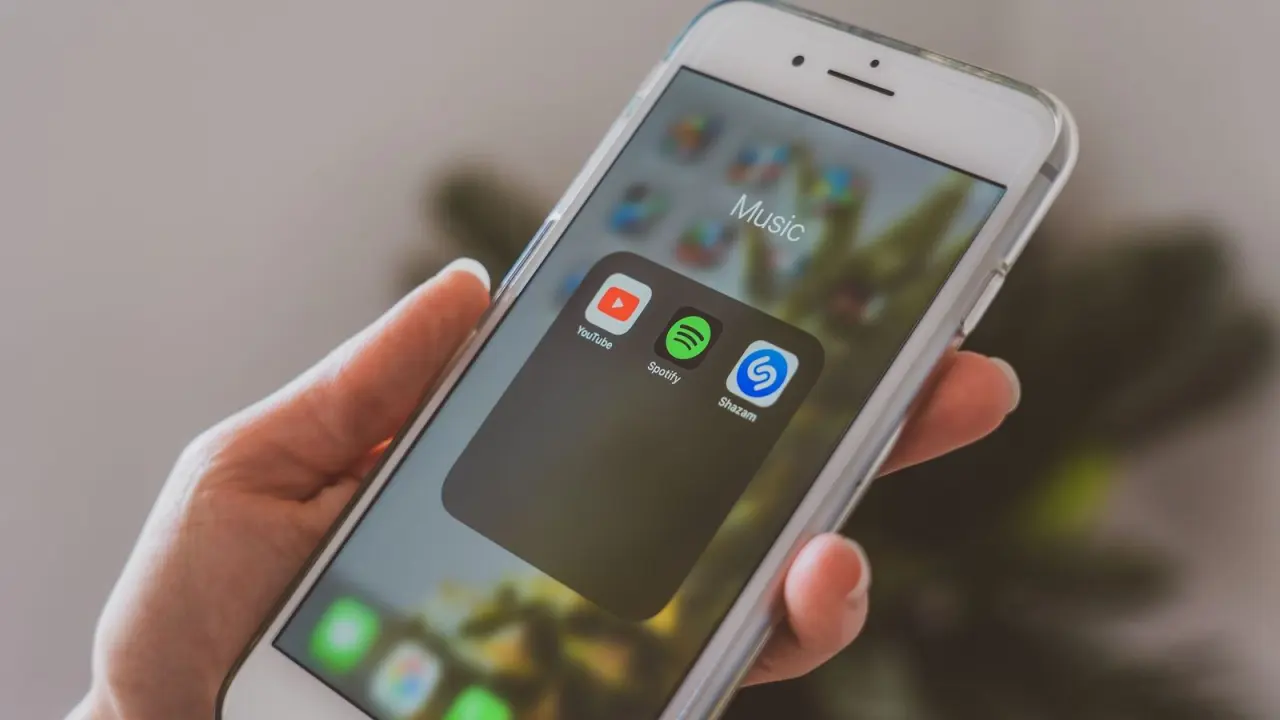
You keep seeing a Pre-save button and wonder what it does. So, what is a pre-save on Spotify? It’s a tap that adds an upcoming album or EP to your library and alerts you on release day.
Pre-saves are one small piece of how music releases work, from first announcement to release day.
| Item | Value |
|---|---|
| What happens on release day | Spotify notifies you and adds the release to your library |
| Releases that get a Countdown Page | Albums and EPs (singles aren’t eligible) |
| Where to find them on mobile | Search, then Upcoming Releases |
| Pre-savers who stream an album in week one | Nearly 60% on average |
| Global pre-save ranking | Top 10, refreshed daily at 12 PM UTC |
| Artist minimum to create a page | 3,000 monthly active listeners |
These figures come from Spotify’s help page on Countdown Pages. They can change, so check the source before you rely on them.
How a pre-save works on Spotify
Spotify calls its pre-save feature Countdown Pages. According to Spotify’s help page for artists, a Countdown Page is where fans can do four things before an album arrives:
- Pre-save the release.
- Preview the tracklist.
- Watch countdown videos.
- Shop merch.
The part that matters to you is release day. Spotify says it notifies everyone who pre-saved and adds the release straight to their library, so you don’t have to remember the date or go searching for it.
Spotify also reports that, on average, nearly 60% of people who pre-save an album stream it in the first week. That is an average across all pre-savers, not a promise about any one listener, but it suggests that most people who tap the button do come back to listen.
Where to find pre-save buttons
Spotify’s help page says listeners can find Countdown Pages in several places: artist profiles, the Now Playing view, Search, the Upcoming Releases hub and Home. If you follow an artist, their profile is often the easiest place to spot one.
To browse them all at once, open the Spotify mobile app, tap Search, then tap Upcoming Releases. Spotify’s newsroom says it launched this hub on May 21, 2025, and the help page says the hub has two shelves:
- For You: up to 10 personalised Countdown Page recommendations, based on your listening history and ordered by release date.
- Top 10 Countdowns: a global ranking of the 10 most pre-saved Countdown Pages, refreshed daily at 12 PM UTC.

Spotify says Countdown Pages appear in its mobile and desktop apps in every country or region where it operates. Countdown videos are a narrower case: they can be viewed in the mobile app in over 70 countries and regions.
Which releases can you pre-save?
Spotify’s help page says only new and original albums and EPs are eligible for Countdown Pages, and that singles aren’t eligible. So if you’re looking for a pre-save on a single track, you won’t find a Spotify Countdown Page for it.
The same page rules out rereleases, including deluxe editions, anniversary editions, reissues, remasters and compilations, regardless of added or altered material. If the term is new to you, here is what is a deluxe edition album in plain language.
Two more limits explain why some pre-saves seem to be missing:
- If a release has several main artists, only the first-named main artist can create the page, and it appears only on that artist’s Spotify profile.
- Artists need a minimum audience. Spotify’s help page says an artist needs at least 3,000 monthly active listeners. A May 2025 Spotify announcement instead named artists with at least 5,000 active listeners in the last 28 days, so treat both thresholds as dated.
Pre-save versus saving a song: what lands in your library?
Spotify offers two kinds of save. In an explainer from the distribution service iGroove, dated 25 August 2021, clicking the heart at the top of a release saves the entire release to your library. Clicking the heart next to a song saves only that track to your favourite songs.
Pre-save links made with outside tools follow the same logic, and the result depends on which code the artist’s team uses. iGroove describes it this way:
- With the UPC/EAN code, the fan saves the entire release in their library.
- With the ISRC code, only the specific song is saved to the fan’s favourite songs.
- In iGroove’s own free tool, a single of 1-3 songs adds its first song to favourite songs plus the whole single to the library, while an EP or album adds the whole release to the library.
That explainer is from 2021 and describes one company’s tool, so other services may behave differently. Pre-saves also only concern streaming, so if you’re weighing formats as well, read about vinyl vs streaming sound quality.
Why pre-saves get so much attention
Pre-saves are counted, and the counts are public in some places. Spotify says that while a page is live, the count is the current number of listeners who have pre-saved, and after release it is the number who had pre-saved when the music came out. Your tap is part of that total.
The biggest numbers make headlines. In an update dated September 29, 2025, Spotify’s newsroom said it would begin sharing pre-save counts for the top 10 Countdown Pages inside the hub, and that Taylor Swift’s album The Life of a Showgirl had become the first Countdown Page to surpass 5 million pre-saves.
The same newsroom post says that since launching in summer 2024, 60% of major artists, including Charli xcx, Billie Eilish and Bad Bunny, have used Countdown Pages. In practice, the button you see on a big release is now a routine part of how albums are announced.
Frequently asked questions
Will I get a notification when the music comes out?
Show answer
Yes. Spotify’s help page says that when new music goes live, it sends a push notification to all pre-savers and adds the release to their library.
Can I pre-save a single on Spotify?
Show answer
Not through Countdown Pages, because Spotify’s help page says singles aren’t eligible. Outside tools, such as the one iGroove describes in its 2021 explainer, can set up pre-save links for singles.
Where do I find upcoming releases?
Show answer
Open the Spotify mobile app, tap Search, then tap Upcoming Releases. You can also spot Countdown Pages on artist profiles and in the Now Playing view, Search and Home.
Why is there no pre-save for a deluxe edition?
Show answer
Spotify’s help page says rereleases, including deluxe editions, anniversary editions, reissues, remasters and compilations, aren’t eligible for Countdown Pages, even when material has been added or altered.