You want a few good memories, not a blurry smear of stage lights. Here’s how to take better concert photos with a phone: use a fast shutter, lower exposure for spotlights, and skip Night Mode.
For the bigger picture of planning a night out, the live music concert guide covers the rest of the evening.
| Setting | Starting point |
|---|---|
| Shutter speed for moving performers | About 1/250 s |
| Exposure compensation for stage lighting | -1 to -2 EV |
| Night Mode | Mainly for relatively still scenes |
| Zoom | Native optical zoom when available |
These figures come from Neewer’s concert photo guide and PhotoWorkout’s smartphone exposure guide. They are starting points that can change with your phone and the show, so check the sources before you rely on them.
Why concert photos go wrong
Concert venues are dark, but performers never stand still. Your phone reaches for a slow shutter to gather light, and the result is motion blur.
Neewer’s guide lists the usual problems:
- Low light and fast movement: dim rooms and moving performers push the phone toward slower shutter speeds.
- Changing stage lights: spotlights, coloured LEDs and sudden shifts can confuse automatic exposure and white balance.
- Distance: digital zoom from the back of the room can look soft or pixelated.
- Camera shake: holding a phone above the crowd for long stretches makes steady shots harder.
PhotoWorkout adds that spotlights surrounded by darkness trick the camera into overexposing. Knowing that makes the fixes below easier to remember. Both points are covered in the Neewer guide and the PhotoWorkout guide.
Which phone settings work best at a gig?
For most of the show, the standard camera app is the safest choice because it reacts instantly. Its burst mode lets you hold down the shutter and fire off a sequence of frames during a high-energy moment, as Fstoppers explains.
In slower moments, switch to Pro or Manual mode if your phone has it. The same Fstoppers guide suggests a manual shutter speed around 1/180 s or 1/250 s to keep movement frozen, with ISO left on Auto. It also notes that Pro mode is mainly useful for raw files, which give you more room in the edit.
Protect the bright spots first
A bright spotlight can wipe out a performer’s face, and that lost detail cannot be recovered. PhotoWorkout lists concert and stage photography under negative exposure compensation of -1 to -2 EV, which prevents blown-out spotlights (source).
- Tap the brightest part of the scene.
- Slide the exposure icon down until the highlights look controlled.
- Lift the shadows later in an editing app if the photo looks too dark.
A slightly dark photo is easier to fix than one where the singer is a glowing white shape.
Skip Night Mode for moving people
Night Mode stacks several frames or uses a longer exposure, so moving performers blur. Neewer says to use it mainly for relatively still scenes, and Android Central warns that long exposure is very sensitive to movement.
If you see the little moon icon appear, turn it off. A slightly grainy, sharp photo beats a clean, blurry one.
Use the room, not just the stage
Phones are weak at isolating a performer from far away, but good at capturing the scale and light of a whole room. Fstoppers makes the point that a grainy, zoomed-in face is only a record of a person, while a wider shot records the experience.
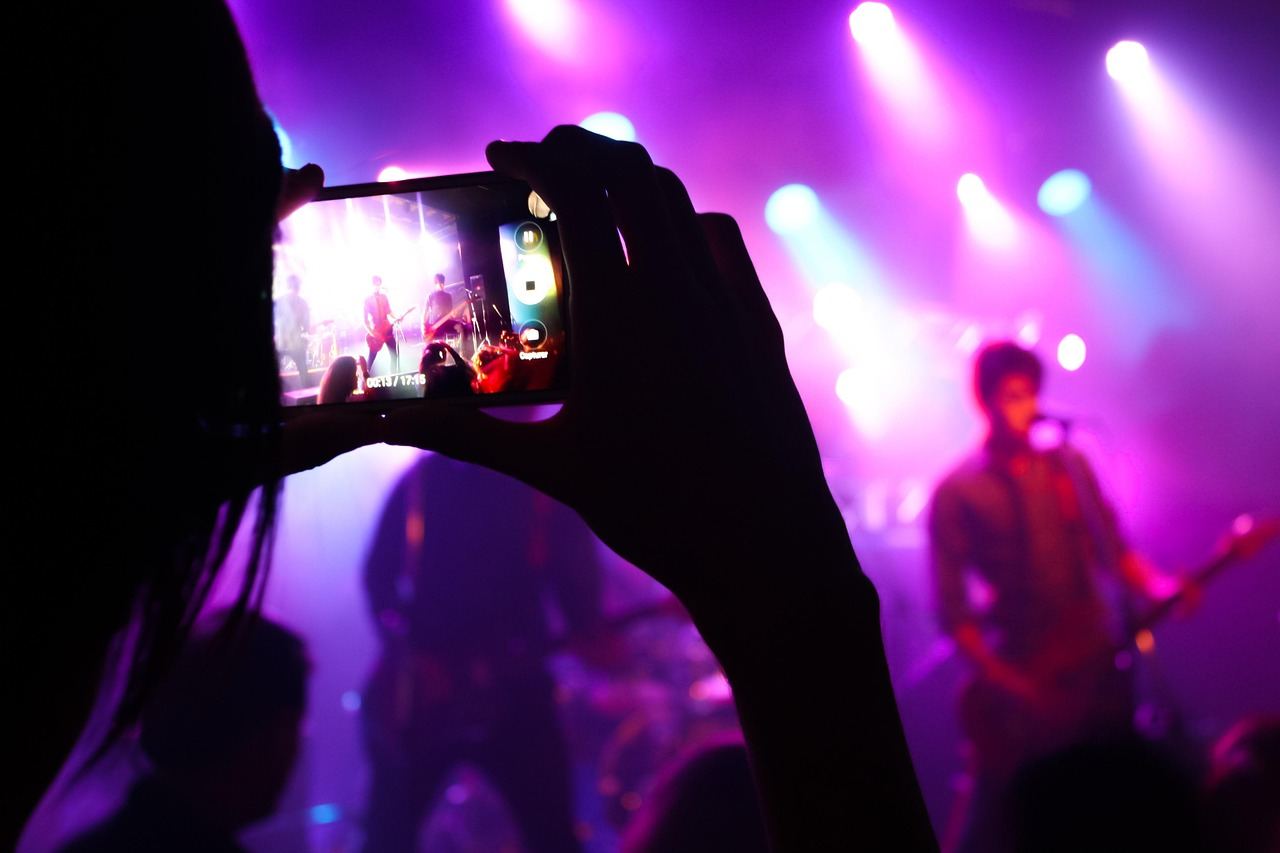
Work with the spot you have, rather than the one you wanted:
- Off to the side: look for profiles and the way stage lights catch the instruments.
- In the back or balcony: use railings, ceiling pipes or rows of seats as leading lines toward the stage.
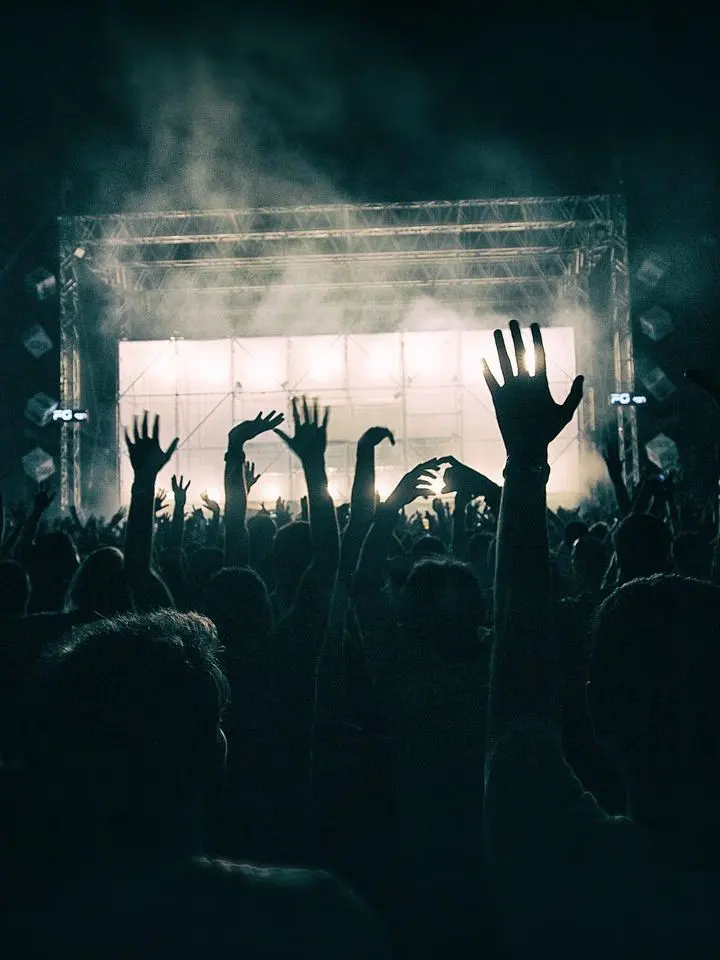
- In the middle of the crowd: use the silhouettes of heads in front of you to frame the performers.
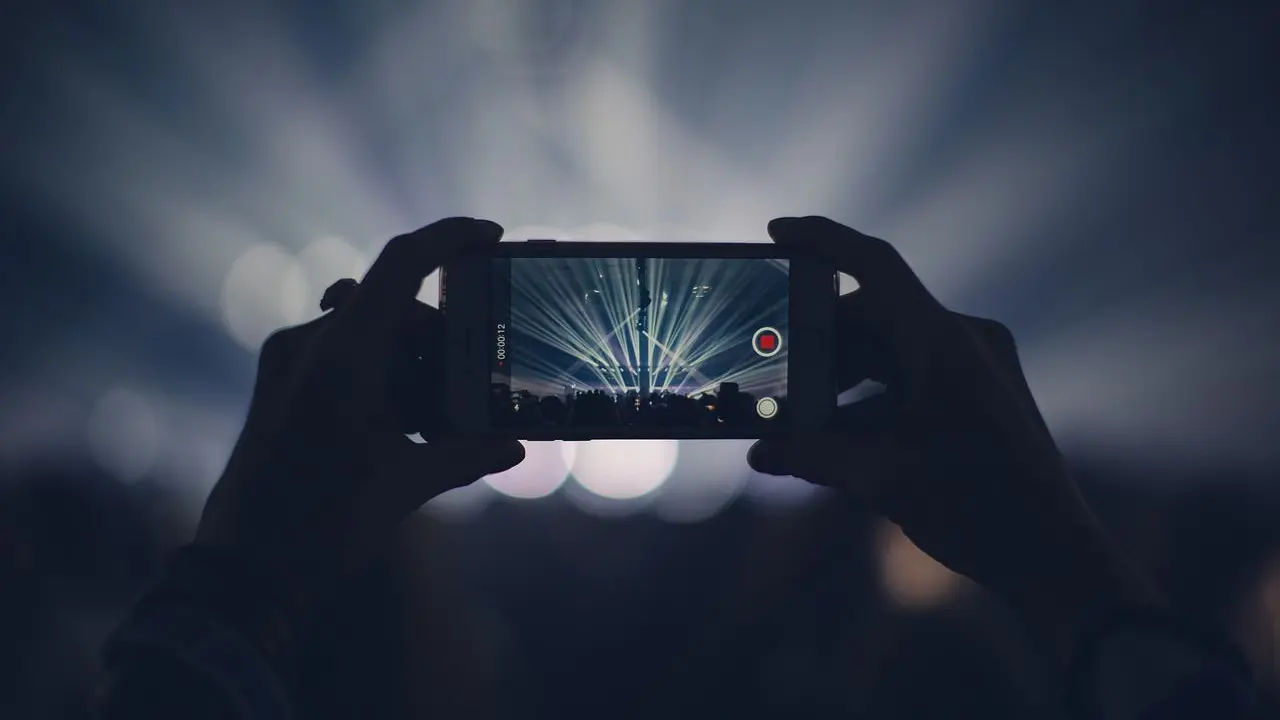
Look away from the stage too. During a big chorus, hundreds of phone screens light up at once, and Fstoppers suggests you include them instead of shooting past them. The glow of the soundboard, the architecture, or a setlist left on the stage can make a good frame as well.
Colour, distance and steady hands
Coloured lights change how skin looks. Red can make faces look overly warm, while blue or purple can look cooler, according to Neewer. If your phone allows manual white balance, try it, but don’t remove every trace of the stage lighting.
From the back of the room, start with your phone’s native telephoto camera if it has one. Digital zoom is just cropping before you take the shot, so it costs detail in low light. Moving closer to the action, or cropping afterward, usually beats pinching the screen.
A few habits keep the phone steady, based on DailyPhotoTips:
- Use both hands, because a two-handed grip is significantly more stable than one-handed.
- Trigger the shutter with a physical volume button, since tapping the screen can jostle the phone.
- Tuck your elbows into your sides to brace your body.
Keep the night about the music
You will get better photos if you take fewer of them. Fstoppers describes using a phone to take a few intentional images, without a camera pulling attention away from the music. The writer’s venue had a strict no-bags policy and allowed only smaller compact cameras, so a phone was the practical choice.
Raise your phone for a moment, take your burst, then lower it. Holding it up for a whole song blocks the view behind you, which is covered in more detail in the guide to concert etiquette. If you are new to live shows, what to expect at your first concert explains the rest of the night.
Frequently asked questions
What shutter speed should I use for concert photos on my phone?
Show answer
Neewer suggests starting around 1/250 s for moving performers, and going faster for dancing or jumping (source). If your phone has no manual control, burst mode in the standard app is the next best option.
Should I use Night Mode at a concert?
Show answer
Only for quiet moments or still scenes. Night Mode combines multiple frames, which can cause blur or ghosting when performers move.
Is digital zoom ever worth using?
Show answer
Rarely. Optical zoom or a telephoto lens keeps more detail, while digital zoom looks softer, especially in low light. Wider environmental shots often work better from far back.
Do I need Pro mode to take good concert photos?
Show answer
No. The standard app with burst mode and a lowered exposure covers most situations. Pro mode helps mainly if you want raw files to edit later.